
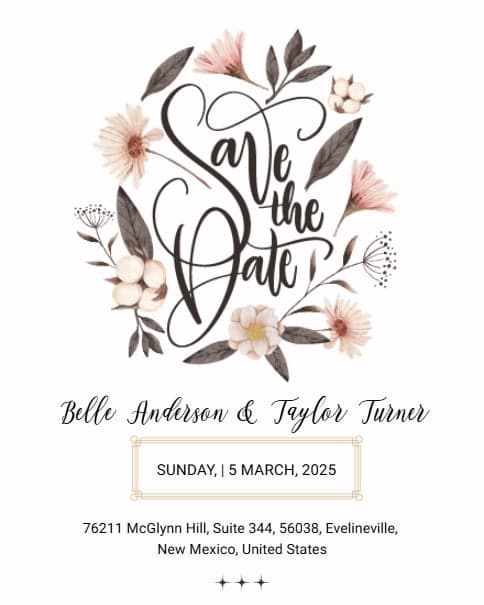
Free Save the Date Invitations – Personalize & Send
1
Customize2
Add Event Details (Optional)3
Invite & Publish

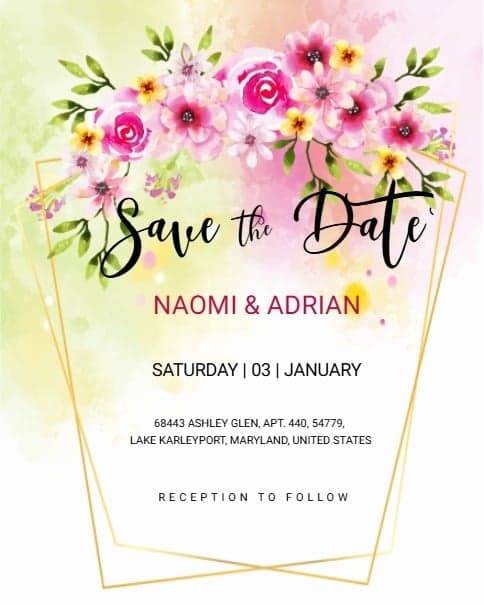





How save the date invitation templates work?
With our thoughtfully designed free save the date invitation templates, creating an online invitation card for your upcoming celebration is quick and effortless. Just follow these simple steps:

Choose a template
Browse through hundreds of save the date invitation templates designed to suit both personal and professional occasions. PICK THE DESIGN that best fits your event.

Customize
Add all your event details directly in the CARD EDITOR. You can also include optional information such as the event schedule, gift registry, or photo gallery.

Publish & Share
Set your RSVP preferences, PUBLISH your invitation, and share your LINK instantly with friends and family via email, social media, or messaging apps.
Save the Date Invitations & Templates
Planning a special event? A Save the Date invitation is the first step to make sure your guests save the date for your celebration. With Sendwishonline, creating a custom Save the Date card is easy, fast, and fun.
Choose the Right Save the Date Template
Select from a wide variety of Save the Date templates for weddings, birthdays, engagements, anniversaries, or any special occasion. Pick a design that matches your event theme and style.
Add Your Event Details
Include essential details like the date, location, and event type. Keeping the message clear and concise ensures your guests know exactly when and where to be.
Personalize Your Invitation
Make your Save the Date eCard unique by adding names, photos, or a short personalized message. Sendwishonline offers creative graphics and layouts to make your invitation memorable.
Share Your Invitation Easily
Send your Save the Date online via email, or download a printable version. Quick sharing ensures all your guests receive the invitation promptly.
Tips for Writing Save the Date Cards:
Highlight the date prominently
Keep the message short but warm
Include RSVP or event website if needed
With Sendwishonline, designing a custom Save the Date invitation is simple and professional. Your guests will love the stylish and thoughtful announcement!